Dedicated IP address: Protect your online identity with ExpressVPN
Get an exclusive IP address that even ExpressVPN can’t trace back to you
- Access work networks and trusted sites without restrictions
- Minimize annoying CAPTCHAs with your own unique IP address
- Stay private with a static IP address on a connection secured by ExpressVPN
Dedicated IP is supported on ExpressVPN apps for Windows, Android, iOS, macOS, and Linux
30-day money-back guarantee for first-time users

What is a dedicated IP and how does it work?
An exclusive, unchanging IP address meant only for you
If you use a dedicated IP, you’ll be assigned the same IP address every time you connect to it, which is tied to a specific VPN server location. While a static IP address is considered easier to track than a shared one, ExpressVPN has designed a method to keep your dedicated IP anonymous, even from us.
Why use a dedicated IP with a VPN?
Learn more about the benefits of a dedicated IP address
-
![Maintain a stable VPN identity When you travel abroad, banking apps may restrict your access as a precaution against fraud if your IP address chang...]()
Maintain a stable VPN identity
When you travel abroad, banking apps may restrict your access as a precaution against fraud if your IP address changes to one from another country.
A dedicated IP gives you the same secure address every time you connect. This helps you build a trusted online identity for accounts, apps, and platforms that monitor changing IP addresses for suspicious activity.
-
![Enable consistent remote access If you connect to work networks, servers, or smart home systems, a changing IP address can cause repeated verificat...]()
Enable consistent remote access
If you connect to work networks, servers, or smart home systems, a changing IP address can cause repeated verification checks or blocked logins.
A dedicated IP keeps your connection consistent, so those gateways always recognize you. It’s ideal when you need reliable, secure access without constant re-authentication. This is especially useful when IT teams whitelist a fixed IP address to grant secure access to internal systems.
-
![Reduce interruptions from bot filters Websites and apps often flag shared VPN IPs as suspicious because hundreds of users may appear to come from t...]()
Reduce interruptions from bot filters
Websites and apps often flag shared VPN IPs as suspicious because hundreds of users may appear to come from the same address. This triggers CAPTCHAs, blocked forms, or login errors.
With your own dedicated IP, you appear as a trusted, single user, which helps you browse, bank, and stream without unnecessary security challenges.


ExpressVPN’s dedicated IP locations
Get a VPN with dedicated IP servers in over 20 countries
Australia (Sydney), Austria, Belgium, Canada (Toronto), Denmark, France (Paris), Germany (Frankfurt), Hong Kong, Ireland, Italy (Cosenza), Japan (Tokyo), the Netherlands (Amsterdam), Norway, Poland, Portugal, Singapore (Jurong), South Africa, Spain (Madrid), Sweden, Switzerland, the United Kingdom (Docklands and Midlands), and the United States (Chicago, Houston, Los Angeles, Miami, New York, San Francisco, and Seattle).
Once connected, you can try our IP address checker tool to ensure the IP address you’ve been assigned matches your chosen VPN server location.
Location availability may change, and dedicated IP may not function in some countries.
How to get a dedicated IP address from ExpressVPN
It’s easy to get an ExpressVPN dedicated IP address on your device
-
![Pick Subscription Plan@2x 3]()
Step 1
Choose a VPN plan
Sign up for the best dedicated IP VPN, with a 30-day money-back guarantee.*
-
![Add A Dedicated Ip]()
Step 2
Add a dedicated IP to your subscription
Dedicated IP is included with the Pro plan, or get a dedicated IP add-on if you opt for Basic or Advanced.
-
![Get A Private Ip Address@x 3]()



How ExpressVPN’s dedicated IP preserves your privacy
Our unique dedicated IP system’s technical privacy components explained
Behind the scenes, we use a blind token-based system to decouple your payment details from the IP we assign to you. Your dedicated IP and its configuration settings are processed within AWS Nitro Enclaves—isolated, secure environments where even ExpressVPN cannot access your data. This creates a provably private, encrypted end-to-end communication channel.
Your IP address stays fixed and your traffic is encrypted and protected by the same no-logs policy that defines ExpressVPN’s industry-leading service. The combination of encryption plus token separation means your dedicated IP gives you the stability you need for work or trusted services without compromising your privacy.
Device and platform compatibility
Access your ExpressVPN dedicated IP address on major operating systems

Supported platforms and devices
You can use your dedicated IP on the ExpressVPN app for Windows, Android, iOS, macOS, and Linux. Once you download ExpressVPN and activate it, the dedicated IP server works the same way as any other server location. Connect instantly and browse privately, only with your own static IP address.
With ExpressVPN, you can connect up to 14 devices at once and use the same dedicated IP or a different shared IP on each compatible device. Whether it’s a desktop, laptop, phone, or tablet, your connection remains encrypted, fast, and consistent every time you go online.
How to set up Dedicated IP for Windows, Mac, and Linux

Is a dedicated IP right for you?
Yes, a dedicated IP is worth it when you need fast and hassle-free access
-
![Dedicated vs. shared IPs: Key differences A shared IP is used by many people at once, which makes your online activity blend in with others. It’s...]()
Dedicated vs. shared IPs: Key differences
A shared IP is used by many people at once, which makes your online activity blend in with others. It’s ideal if anonymity is your top priority.
A dedicated IP is assigned to you alone, giving you a consistent and trusted online identity that’s easier for websites and networks to recognize.
-
![Who benefits most from a Dedicated IP? A dedicated IP is useful for people who need reliable access to remote work networks, financial accounts, or...]()
Who benefits most from a Dedicated IP?
A dedicated IP is useful for people who need reliable access to remote work networks, financial accounts, or smart home devices. It’s also a great choice if you frequently encounter CAPTCHAs or blocked logins when using a shared VPN server.
Professionals, frequent travelers, and privacy-minded users who value consistency often benefit most.
-
![Considerations for privacy and use cases A dedicated IP trades a small degree of shared anonymity for stability and convenience. With ExpressVPN, y...]()
Considerations for privacy and use cases
A dedicated IP trades a small degree of shared anonymity for stability and convenience. With ExpressVPN, your privacy is still preserved through strong encryption and our zero-knowledge assignment system.
Consider your needs: if you often work remotely, manage sensitive accounts, or value easy access, a dedicated IP adds reliability without giving up security.


How ExpressVPN builds trust and reliability
ExpressVPN’s dedicated IP is open to public scrutiny
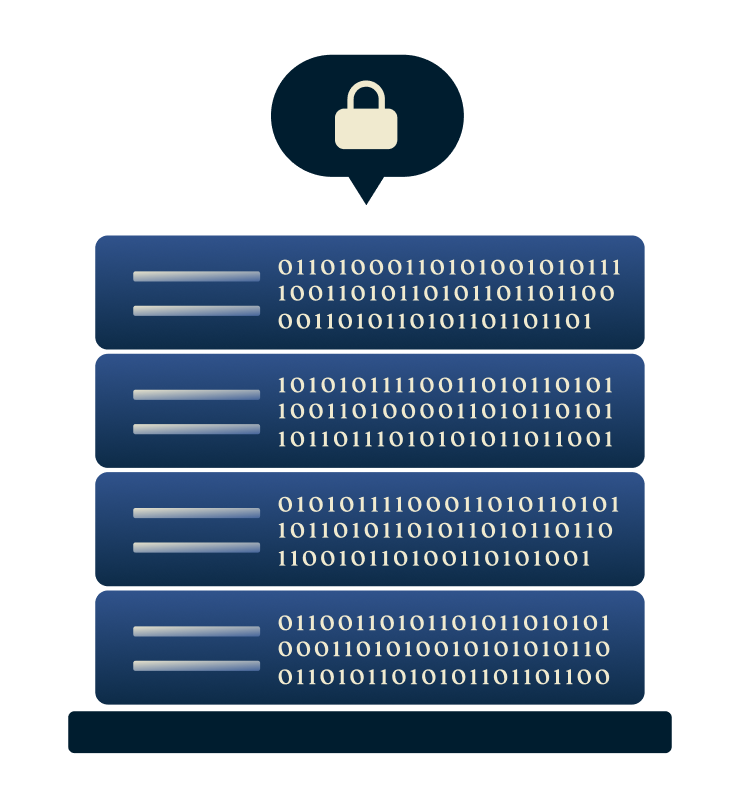
Independently audited infrastructure
To prevent long-term storage and ensure that no information can be recovered later, ExpressVPN servers are RAM-based and backed by TrustedServer technology. It erases all server data with every reboot. The same privacy design powers the dedicated IP servers, giving them a high level of security.
ExpressVPN has also undergone more than 20 independent audits by leading cybersecurity firms. These reviews have examined its no-logs policy, server architecture, encryption standards, and operational practices, consistently confirming that the systems work exactly as promised.

Technical white paper and security commitments
ExpressVPN has published a dedicated IP white paper detailing how the add-on is built from the ground up—not only for privacy, but also for the trust of our customers.
By making this design public and inviting third-party scrutiny, ExpressVPN demonstrates a commitment to functional privacy and full process transparency, giving users confidence that their dedicated IP remains both private and secure.
What people are saying about ExpressVPN
Reviews from ExpressVPN’s most satisfied customers out of millions who have tried
I have ExpressVPN on all my devices - phone, laptop, tablet, AppleTV, etc., and absolutely love it.


* A sample of reviews from our most satisfied customers
Got an account with @expressvpn yesterday. Great decision for traveling out of the country!
@D_Geiger

* A sample of reviews from our most satisfied customers
With its consistent performance and reliable security, ExpressVPN is the best VPN out there.

* We sometimes pay expert sites for customer referrals
FAQ: About dedicated IP VPNs
Find out more about ExpressVPN’s dedicated IP or talk to our customer service team
How do I know if I have a dedicated IP?
Open the ExpressVPN app and go to your account dashboard. If you’ve purchased one, you’ll see the Dedicated IP add-on and the location listed. You can also check under your account’s subscription details to confirm that the Dedicated IP add-on is active.
How do I set up and use my dedicated IP?
To use your dedicated IP on your device, you must first download and set up the ExpressVPN app. During setup, you will create an access code for your dedicated IP. We recommend setting a strong, unique code and keeping it somewhere safe. If you lose your code, ExpressVPN cannot retrieve it, and you will lose access to your dedicated IP.
Does a dedicated IP reduce my privacy?
Not necessarily. ExpressVPN’s dedicated IP is designed to stay private. It uses blinded tokens and isolated server environments that separate your identity from the assigned IP. This ensures no one, including ExpressVPN, can trace the IP address back to your VPN account while keeping the same encryption and no-logs protection.
Can I use my dedicated IP on multiple devices?
Yes. You can connect to your dedicated IP on up to 14 devices at once, depending on your plan. Dedicated IP is available on Windows, Android, iOS, macOS, and Linux.
How long does a dedicated IP stay active?
Your dedicated IP remains active for as long as your subscription and add-on stay valid. If your ExpressVPN apps stay offline for an extended period, your dedicated IP may be released. In that case, Support can help you set up a new one, though it may be different from your previous IP.















Why is a Dedicated IP worth it when it’s ExpressVPN’s?
- Get your own private, stable VPN IP backed by secure ExpressVPN infrastructure
- Access work networks, apps, and sites without constant verification
- Try ExpressVPN with a 30-day money-back guarantee for first-time users

 Support Center
  Live Chat
  FAQ
FAQ